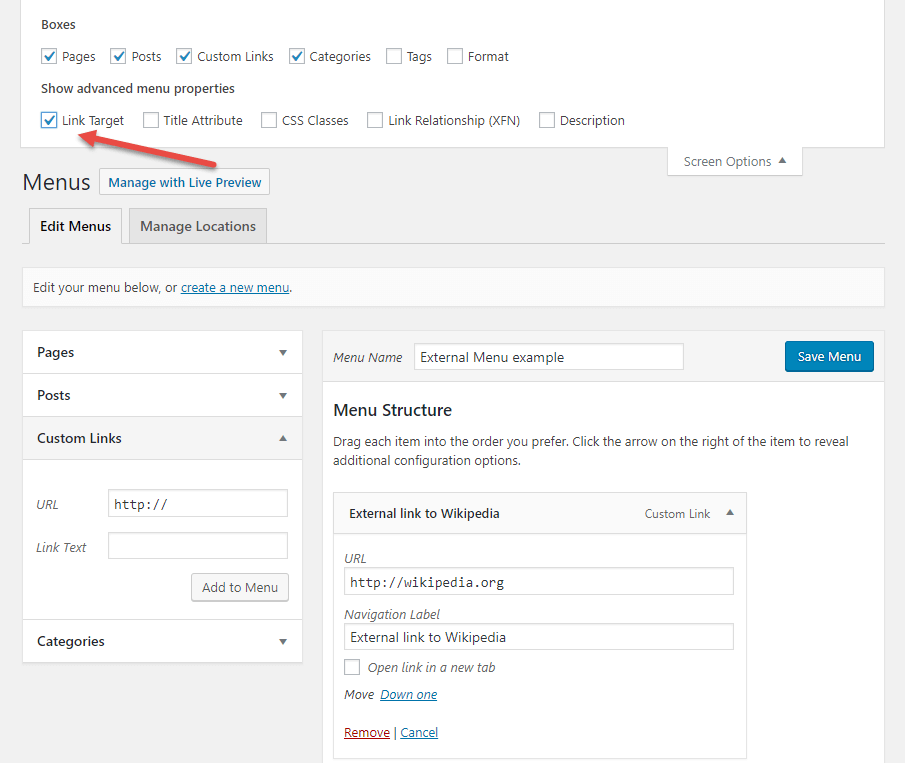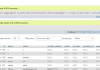

You can change the target of this link, so that it opens in a new browser tab. For that you need to check an option located below the Navigation label field of the menu item and named “Open link in a new tab“, as illustrated in the following screenshot.
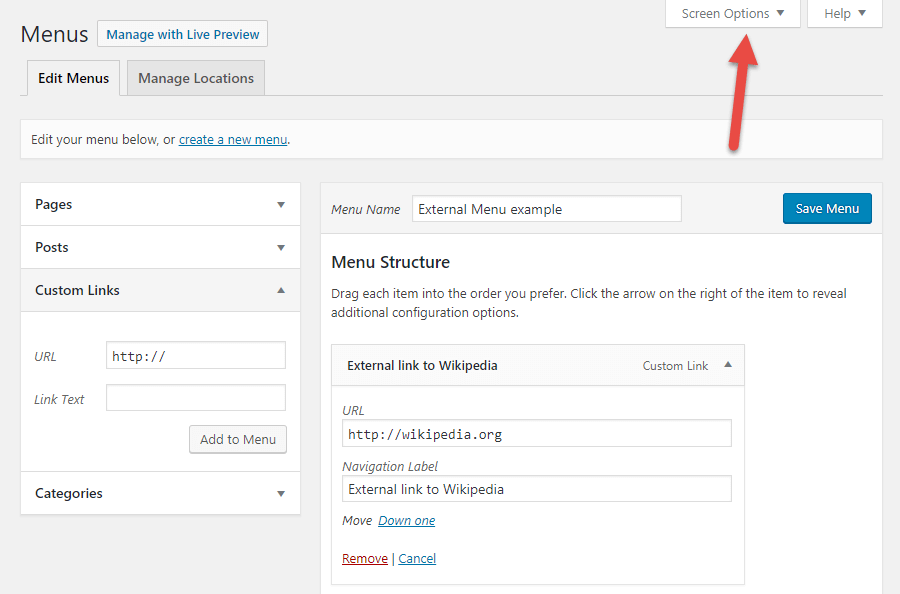
Click on the Screen Options link in the top right corner of the menu admin screen.

Check the “Link Target” option : this will reveal the “Open link in a new tab” option.