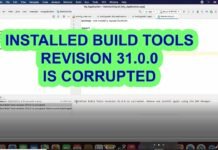

I have found solution of the error
Adding WKWebView to your app
In order to add WKWebView, we need to add the plugin from the Ionic repository.
ionic cordova plugin add cordova-plugin-ionic-webview --save
If you already had the plugin installed, or were using a different version/fork, you’ll need to uninstall what you have first.
ionic cordova plugin rm cordova-plugin-WKWebView-engine
And that’s it! Once the plugin install is done, your next native build will include a faster, lighter, and more modern webview!